
ClickMic
Voice input for any website.
Dictate prompts, notes, emails, messages, and reminders with one floating mic or character button.
- 80 languages
- No account
- Local history & reminders
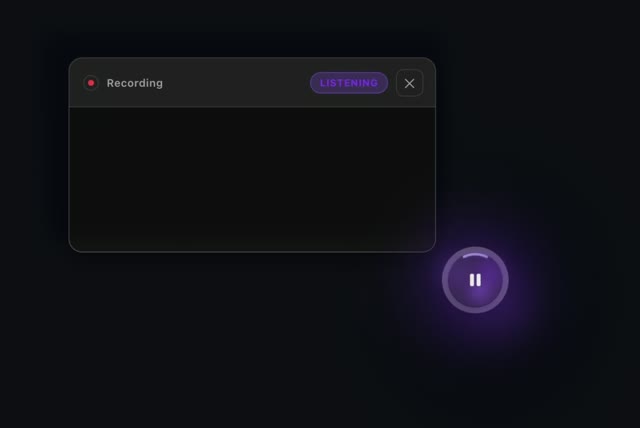
Talk, don't type
Voice input across websites
- Text appears as you speak
- Pause to edit your text
- Text can go straight into the selected field
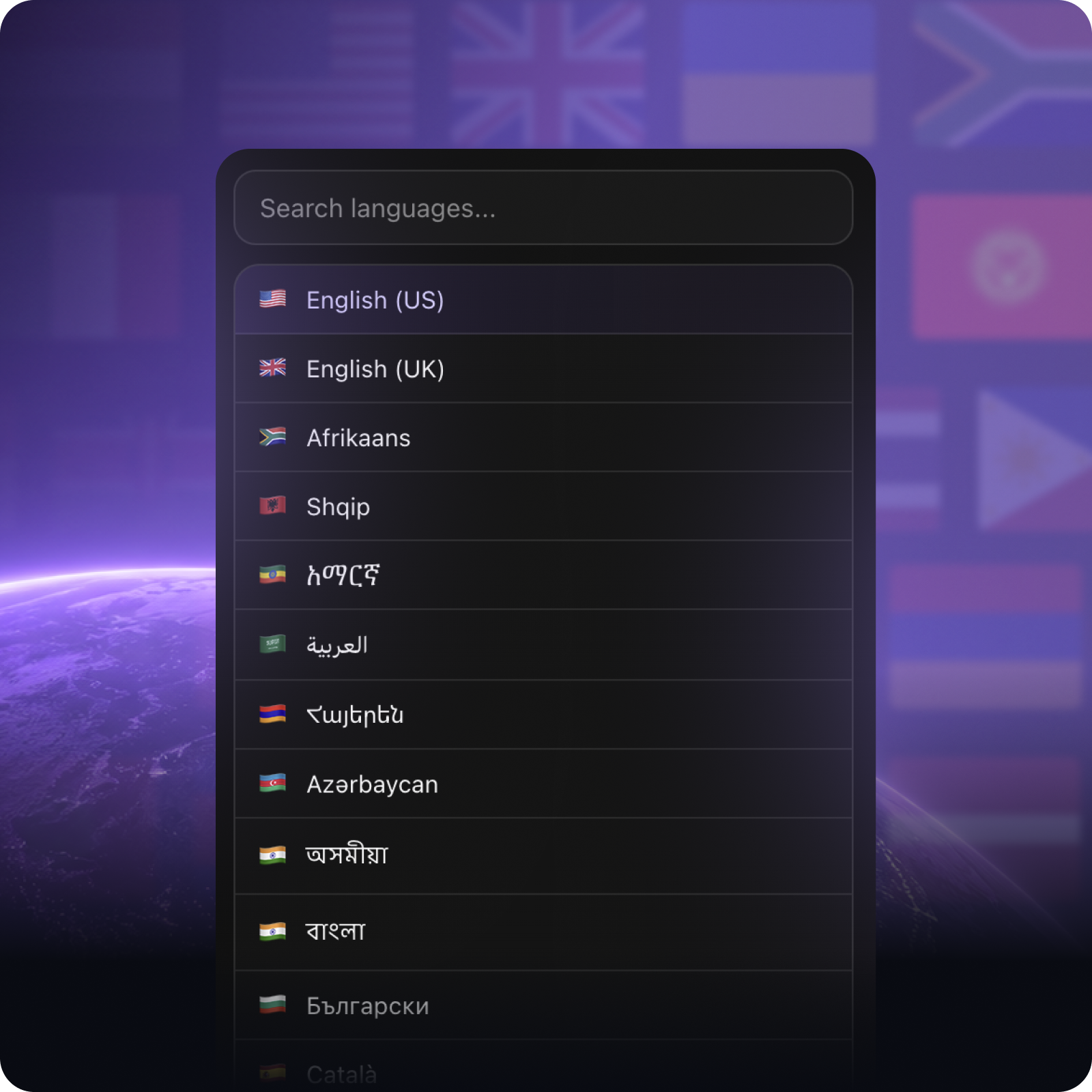
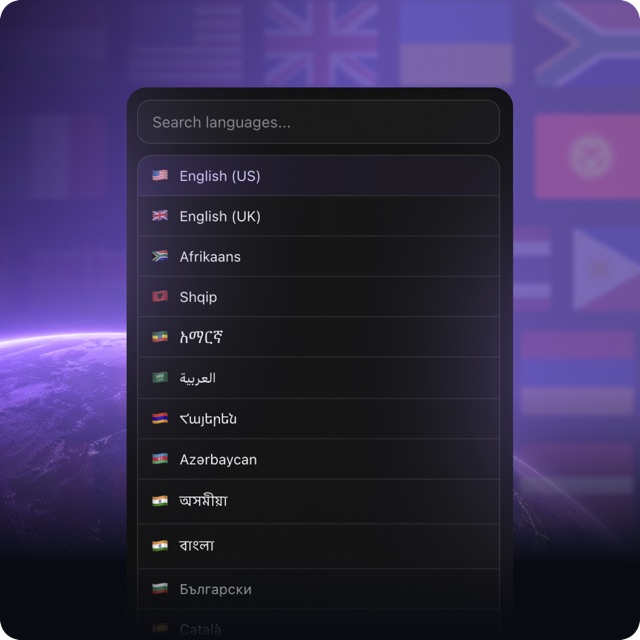
80 languages supported
+ Regional variants
- 80 languages
- Regional variants
- Choose your speech language
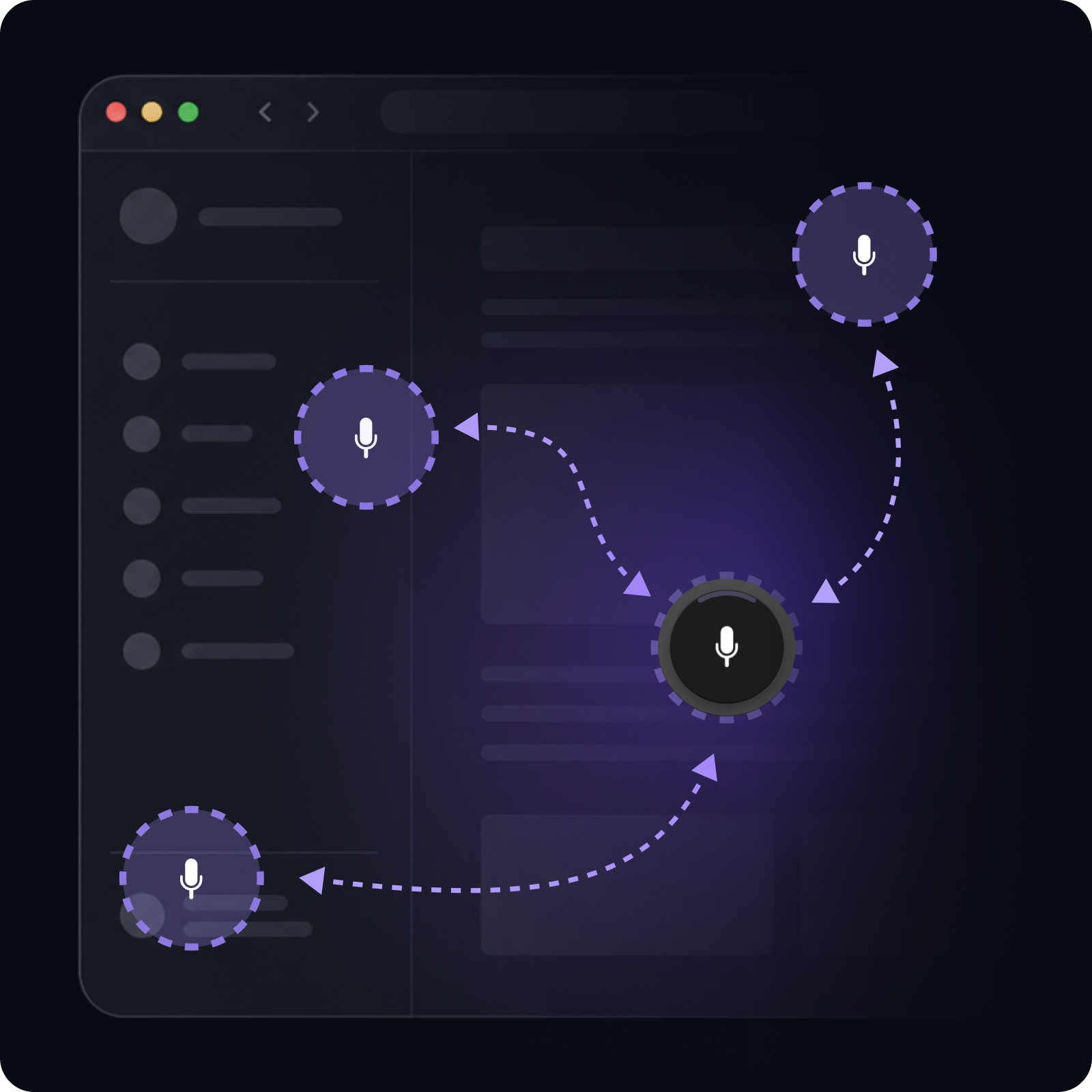
Move it where it fits
Move the floating button around the page
- Drag it anywhere
- Place it where it feels right
- Adjust it to your workflow
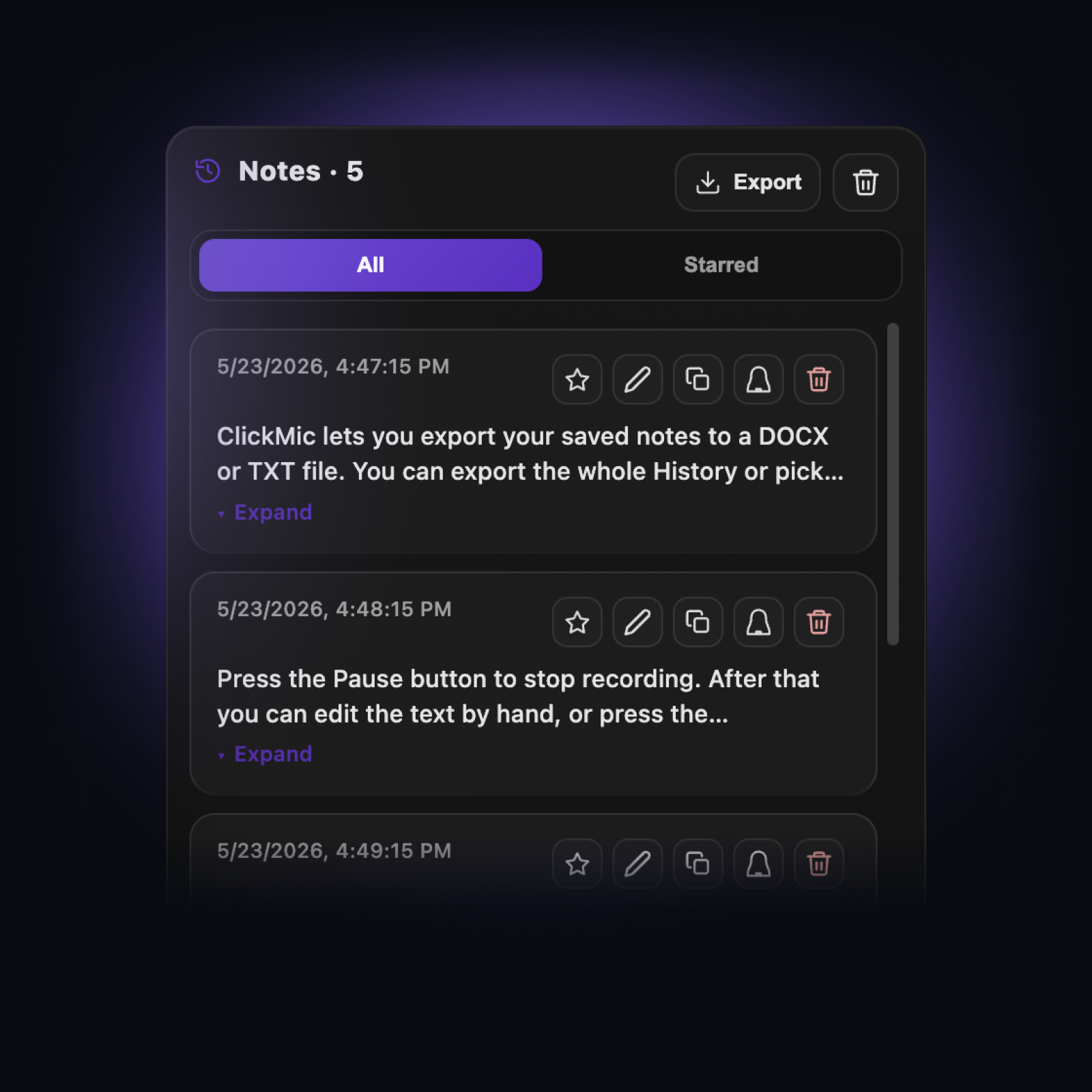
Keep your text in History
Save and reuse dictated text
- Saved automatically as you dictate
- Review saved entries
- Mark favorites
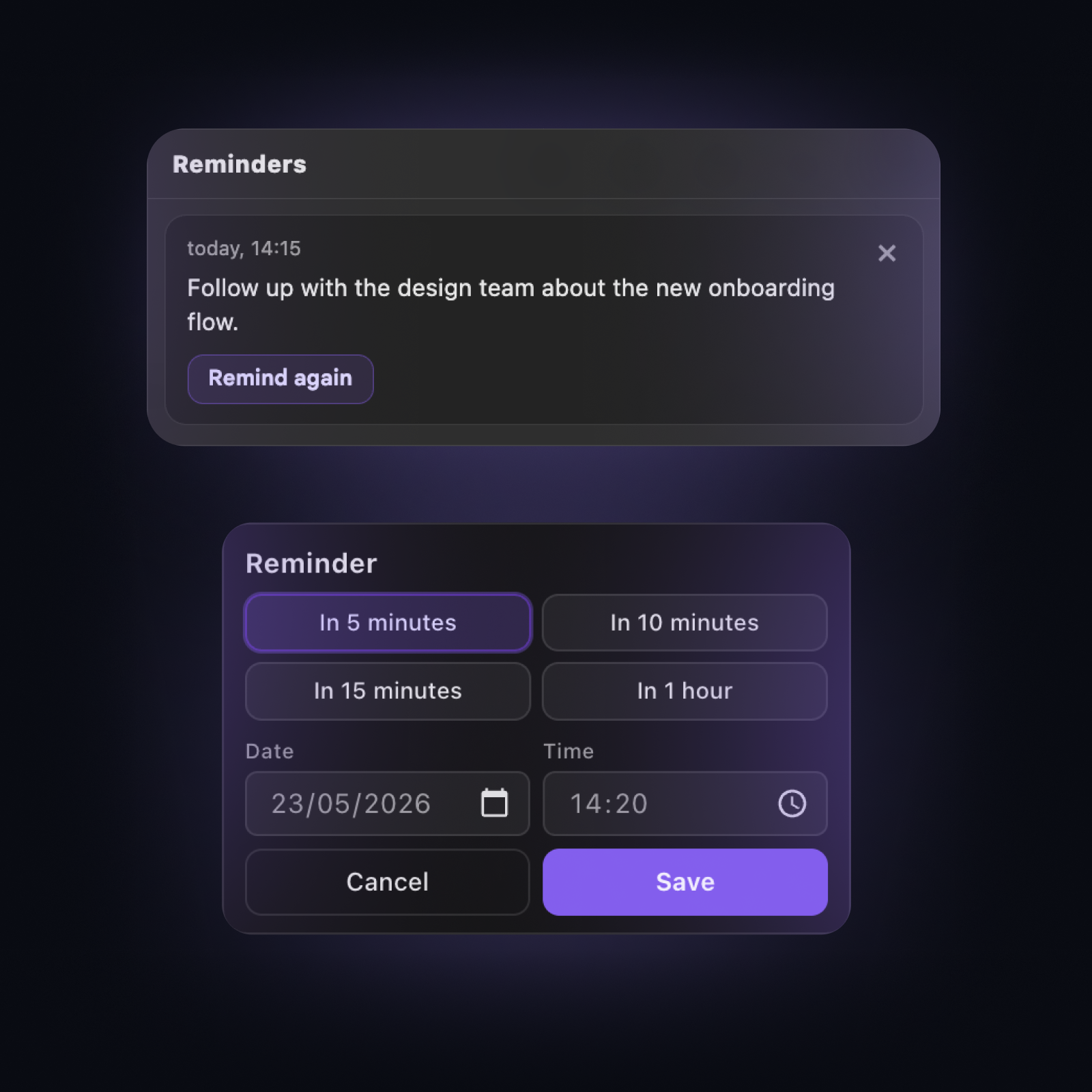
Turn notes into reminders
Get notified when it's time
- Create reminders
- Choose date and time
- Get browser notifications
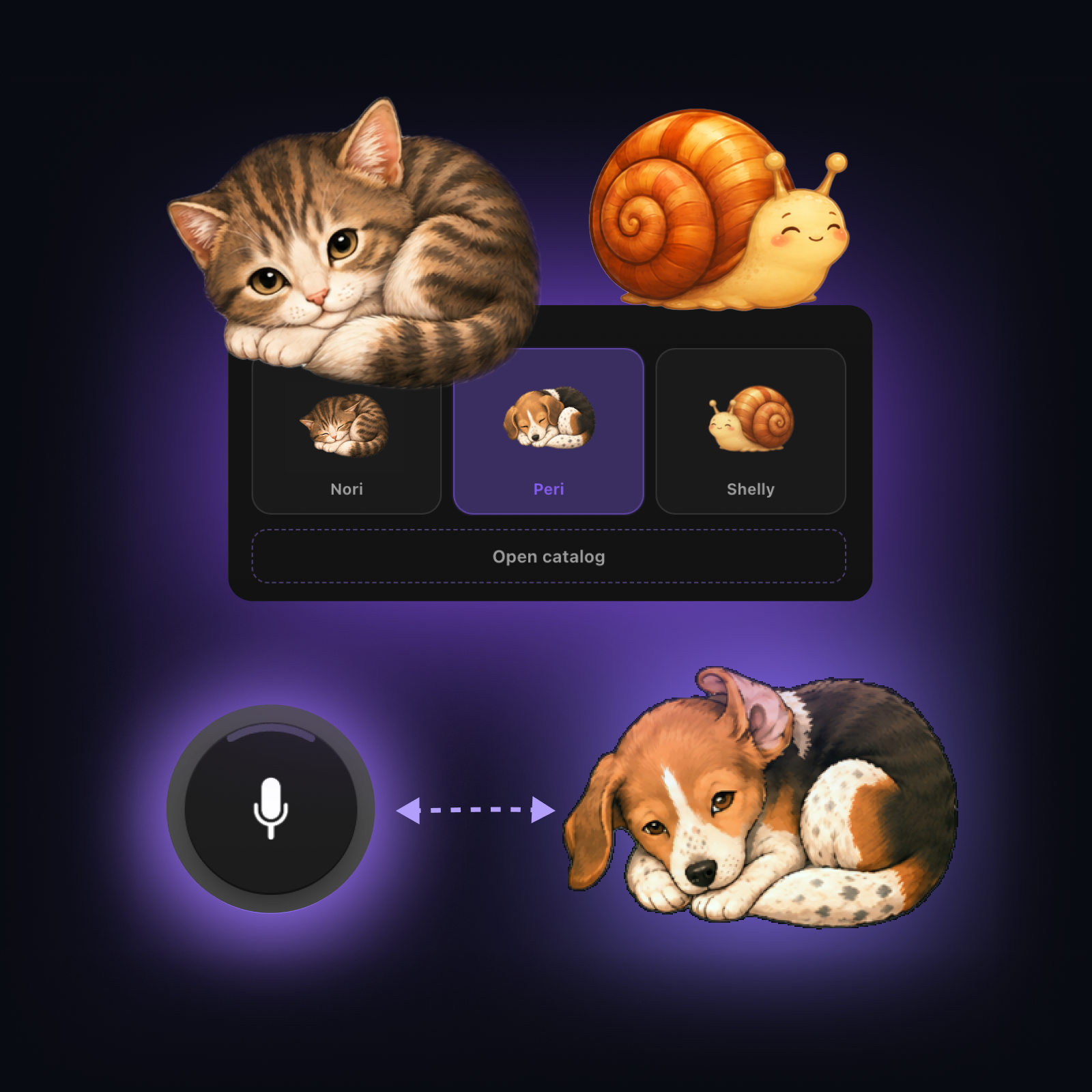
Choose a character
Replace the mic with an animated character button
- Characters react to clicks
- Characters respond when you move them
- The catalog grows over time
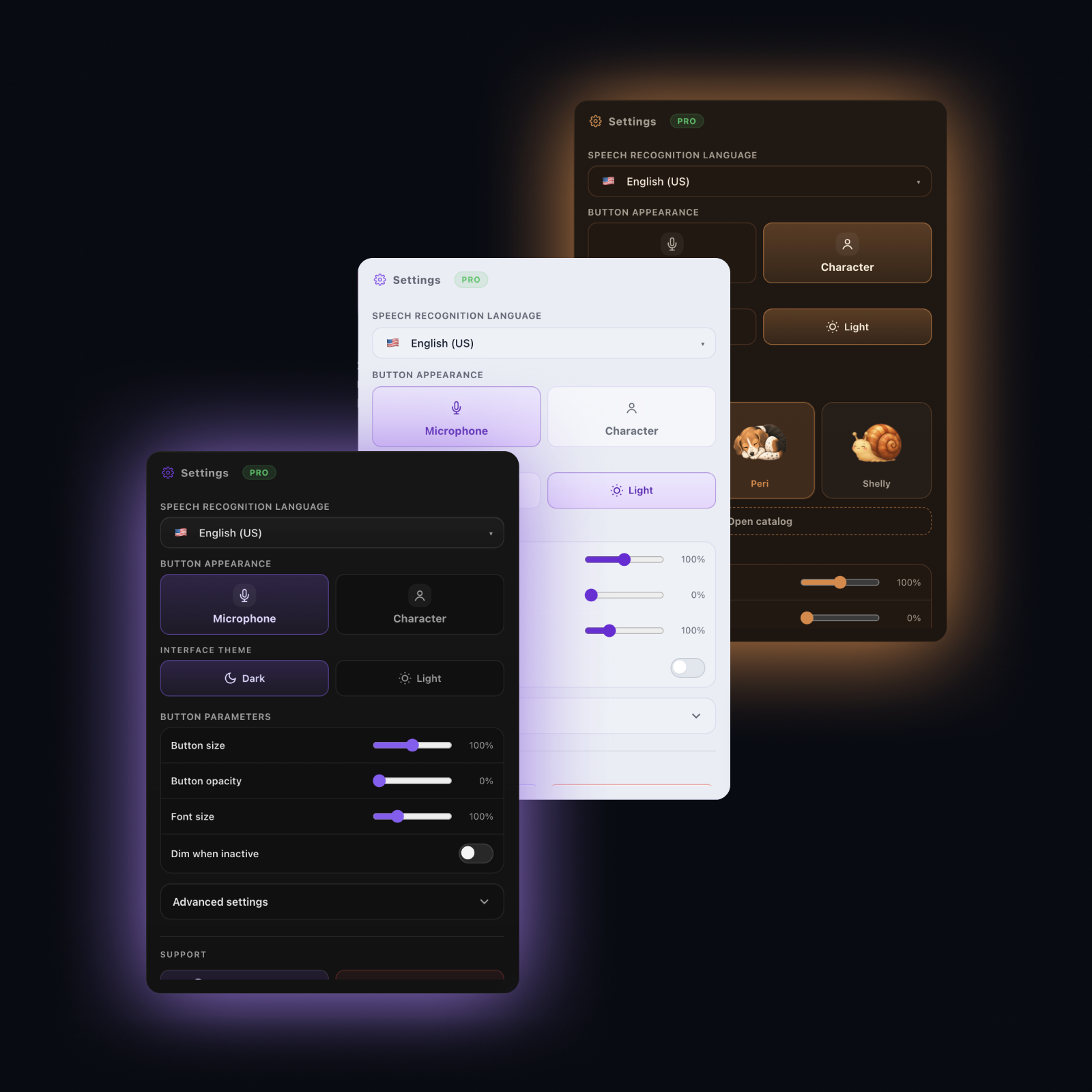
Customize your UI
Adjust ClickMic's look and feel
- Light and dark modes
- Character color themes
- Size, opacity, and effects
Talk to AI in your language
Dictate prompts into AI chats
- Works with popular AI platforms
- Text appears in the chat field
- Helpful when built-in voice input is limited
Email, docs, and spreadsheets
Use ClickMic in everyday browser work
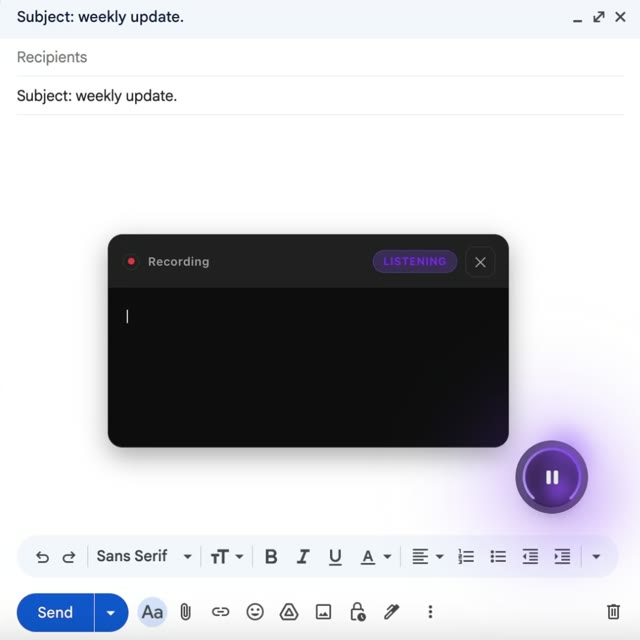
Use ClickMic in email, online documents, spreadsheets, forms, and other browser text fields.
- Email and messages
- Docs and notes
- Sheets and forms
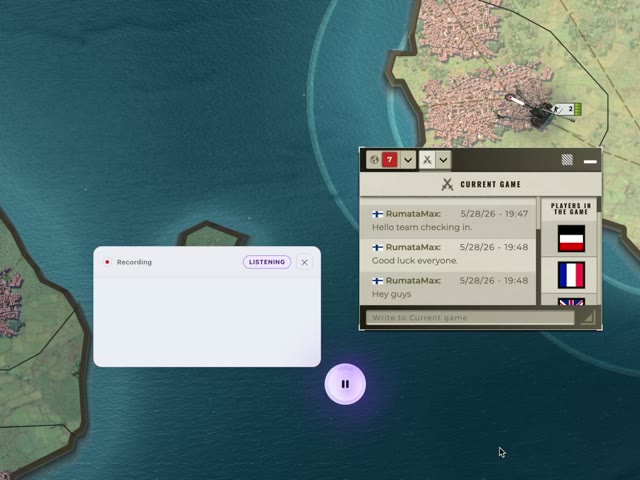
Use it in browser games
Dictate game chat when typing is slow or awkward
- Faster game chat
- One-click copy
- Keep playing while you write
A simple rhythm for dictation.
ClickMic shows what is happening while you dictate: when it is ready for speech, when it is processing a phrase, and when the text is ready to work with.
Speak
Talk while dictation is active and your text appears in the ClickMic window.
Pause between thoughts
A short pause helps ClickMic finish the phrase and place a sentence break.
Use your text
Pause the microphone when you want to edit, copy, or insert the text.
Flexible voice input for the browser.
Dictation, local text history, reminders, characters, and export — right on the page where you are working.
80 Languages
Choose the language you speak, with interface settings you can adjust separately.
Your history stays local
Your text history and reminders stay in Chrome storage on your device, not on Astrolabe Tools servers. Exports are saved locally.
No account required
Install ClickMic and start using it in Chrome on desktop.
Use ClickMic across AI chats and websites
One floating button for prompts, email, notes, forms, reminders, and everyday writing.
AI Chats
Websites
Stop typing.
Start talking.
Your voice for prompts, notes, messages, and reminders.
Common questions
Quick answers about ClickMic.
ClickMic supports 80 languages and regional variants via the Web Speech API.
 English (US)
 English (UK)
 Afrikaans, isiZulu
 العربية
 Azərbaycan
 Basa Jawa, Basa Sunda, Indonesia
 Català, Español, Galego
 Čeština
 Cymraeg
 Dansk
Dansk Deutsch
 Eesti
Eesti Español (MX)
 Filipino, Wikang Filipino
 Français
 Gaeilge
 Hrvatski
 Íslenska
 Italiano
 Kiswahili
 Latviešu
 Lietuvių
 Magyar
 Malti
Malti Melayu
 Nederlands
 Norsk
Norsk Polski
 Português
 Português (BR)
 Română
 Shqip
Shqip Slovenčina
 Slovenščina
 Suomi
Suomi Svenska
 Tiếng Việt
 Türkçe
 Ελληνικά
 Български
 Кыргызча
 Қазақша
 Македонски
 Монгол
 Русский
 Српски
 Тоҷикӣ
 Українська
 ქართული
 עברית
עברית Հայերեն
 اردو
اردو فارسی
فارسی አማርኛ
አማርኛ नेपाली
 मराठी, हिन्दी, অসমীয়া, বাংলা, ਪੰਜਾਬੀ, ગુજરાતી, ଓଡ଼ିଆ, தமிழ், తెలుగు, ಕನ್ನಡ, മലയാളം
 සිංහල
සිංහල ภาษาไทย
 ພາສາລາວ
 မြန်မာ
 ភាសាខ្មែរ
 한국어
한국어 中文 (CN)
 中文 (TW)
 日本語
日本語 粵語
粵語Contact us
Questions, feedback, or business inquiries - we'd love to hear from you.