


AI chats
Dictate prompts into AI chat fields
ChatGPT
Claude
Gemini
Copilot
Perplexity
+ more
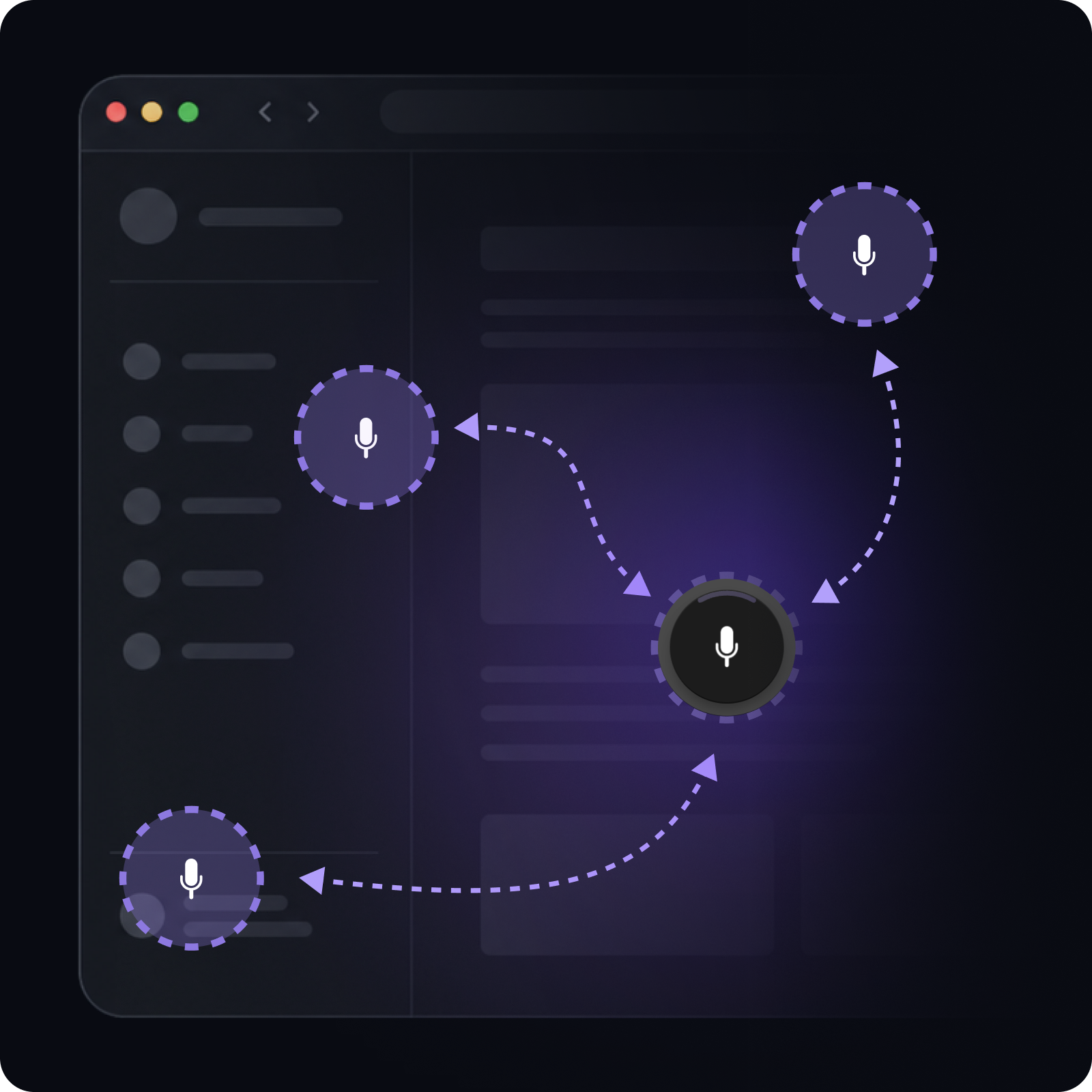
Dictate prompts, notes, emails, messages, and reminders with one floating button
Try ClickMic free for 7 days. Upgrade later from the extension, or buy Pro now
+ regional variants
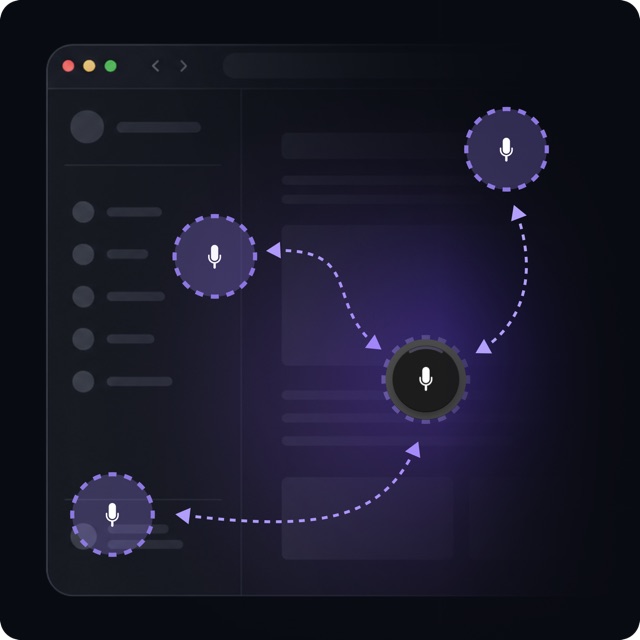
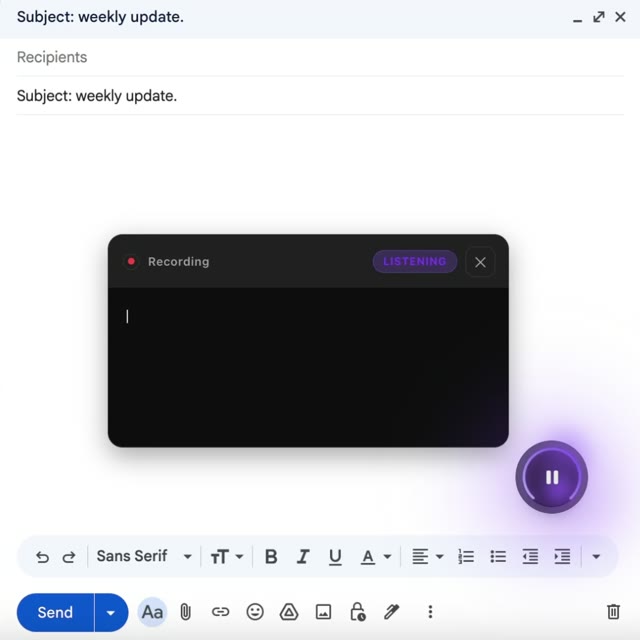
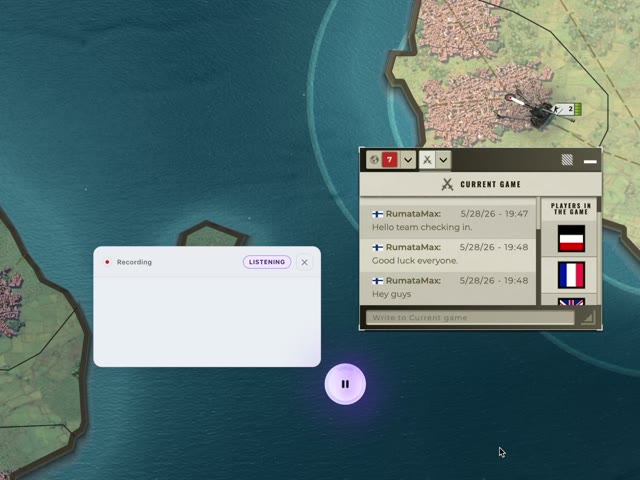
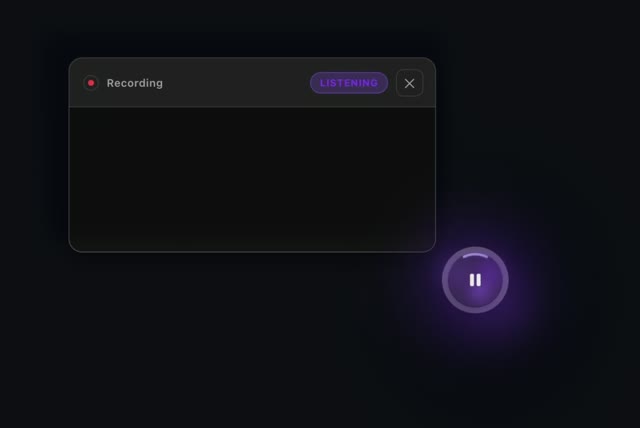
ClickMic shows when it is listening, when it is processing a phrase, and when your text is ready to use
Your speech becomes text in real time
This helps ClickMic split your speech into separate sentences
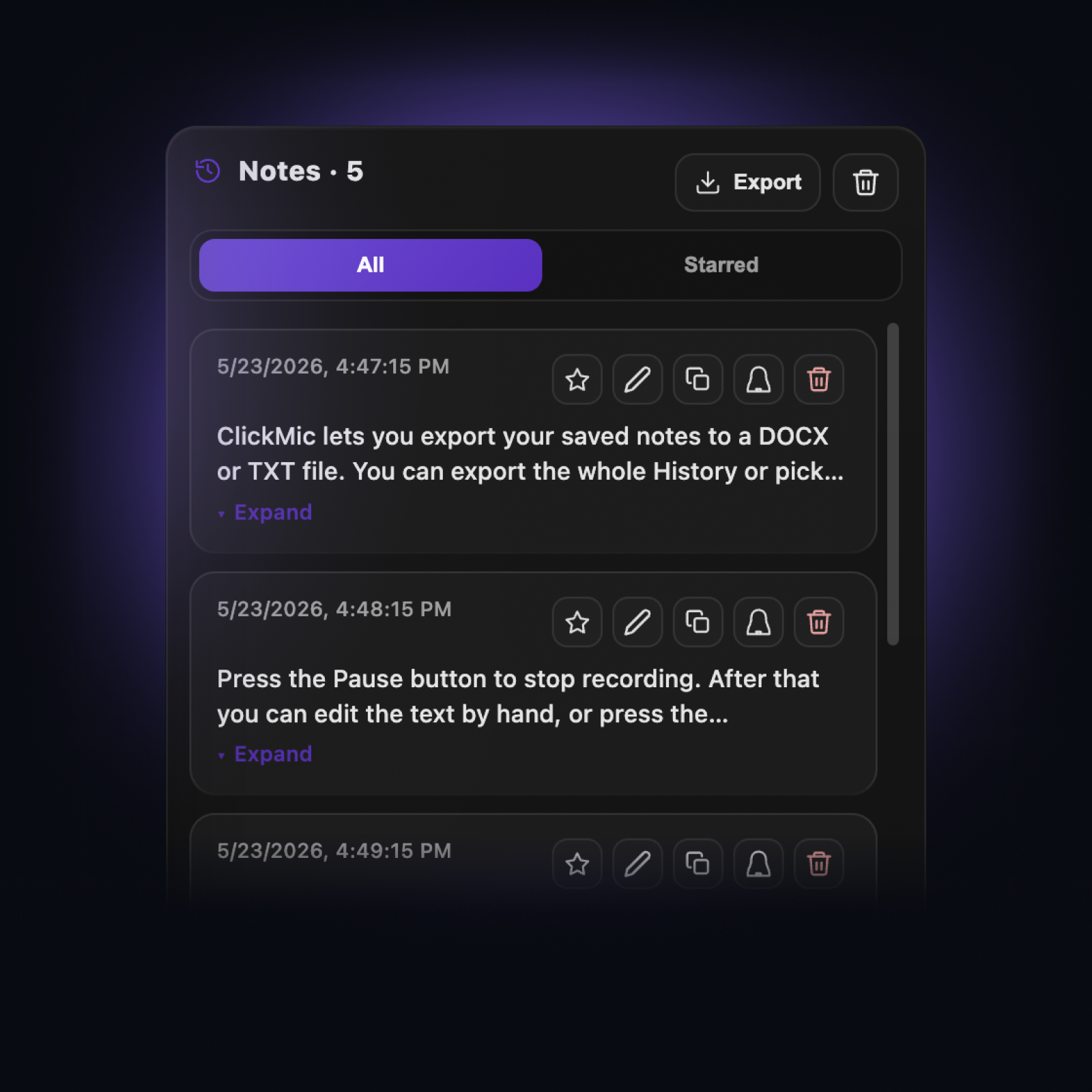
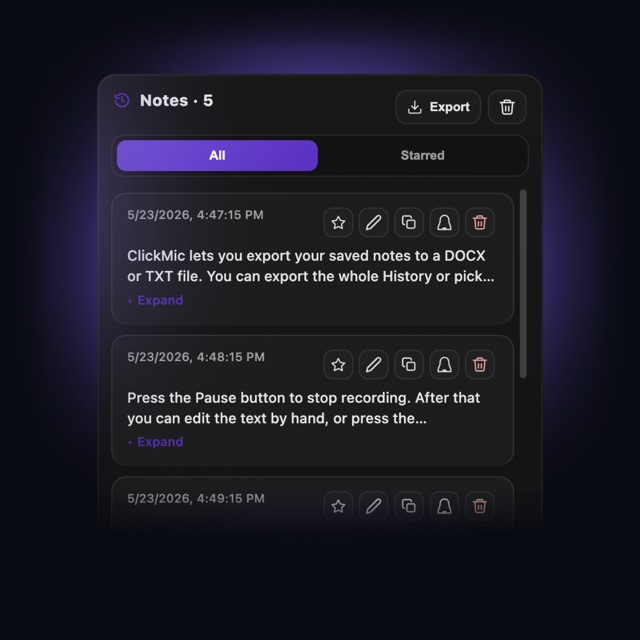
Pause recording if you want to edit, copy, or insert the text
Dictate prompts, messages, notes, form text, and game chat across many websites
Dictate prompts into AI chat fields
Write everyday browser text faster with your voice
Play comfortably — speak instead of typing
Start free, upgrade when ready, and see what's next
Quick answers about ClickMic
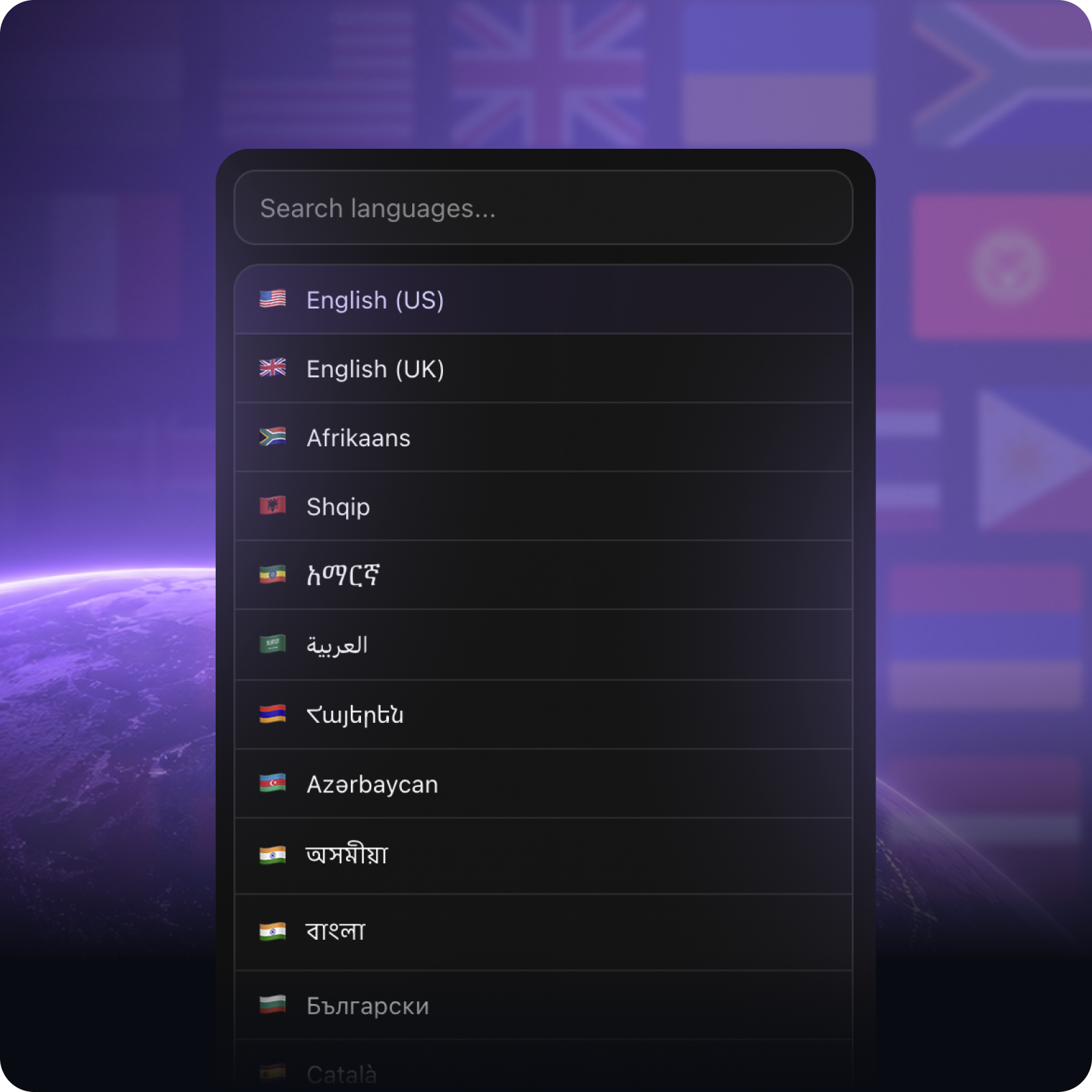
ClickMic supports 78 languages and regional variants via the Web Speech API.
 English (US)
 English (UK)
 Afrikaans, isiZulu
 العربية
 Azərbaycan
 Basa Jawa, Basa Sunda, Indonesia
 Català, Español, Galego
 Čeština
 Cymraeg
 Dansk
Dansk Deutsch
 Eesti
Eesti Español (MX)
 Filipino, Wikang Filipino
 Français
 Gaeilge
 Hrvatski
 Íslenska
 Italiano
 Kiswahili
 Latviešu
 Lietuvių
 Magyar
 Malti
Malti Melayu
 Nederlands
 Norsk
Norsk Polski
 Português
 Português (BR)
 Română
 Shqip
Shqip Slovenčina
 Slovenščina
 Suomi
Suomi Svenska
 Tiếng Việt
 Türkçe
 Ελληνικά
 Български
 Кыргызча
 Қазақша
 Oʻzbek
 Македонски
 Монгол
 Русский
 Српски
 Тоҷикӣ
 Українська
 ქართული
 עברית
עברית Հայերեն
 اردو
اردو فارسی
فارسی አማርኛ
አማርኛ नेपाली
 मराठी, हिन्दी, অসমীয়া, বাংলা, ਪੰਜਾਬੀ, ગુજરાતી, ଓଡ଼ିଆ, தமிழ், తెలుగు, ಕನ್ನಡ, മലയാളം
 සිංහල
සිංහල ภาษาไทย
 ພາສາລາວ
 မြန်မာ
 ភាសាខ្មែរ
 한국어
한국어 中文 (CN)
 中文 (TW)
 日本語
日本語 粵語
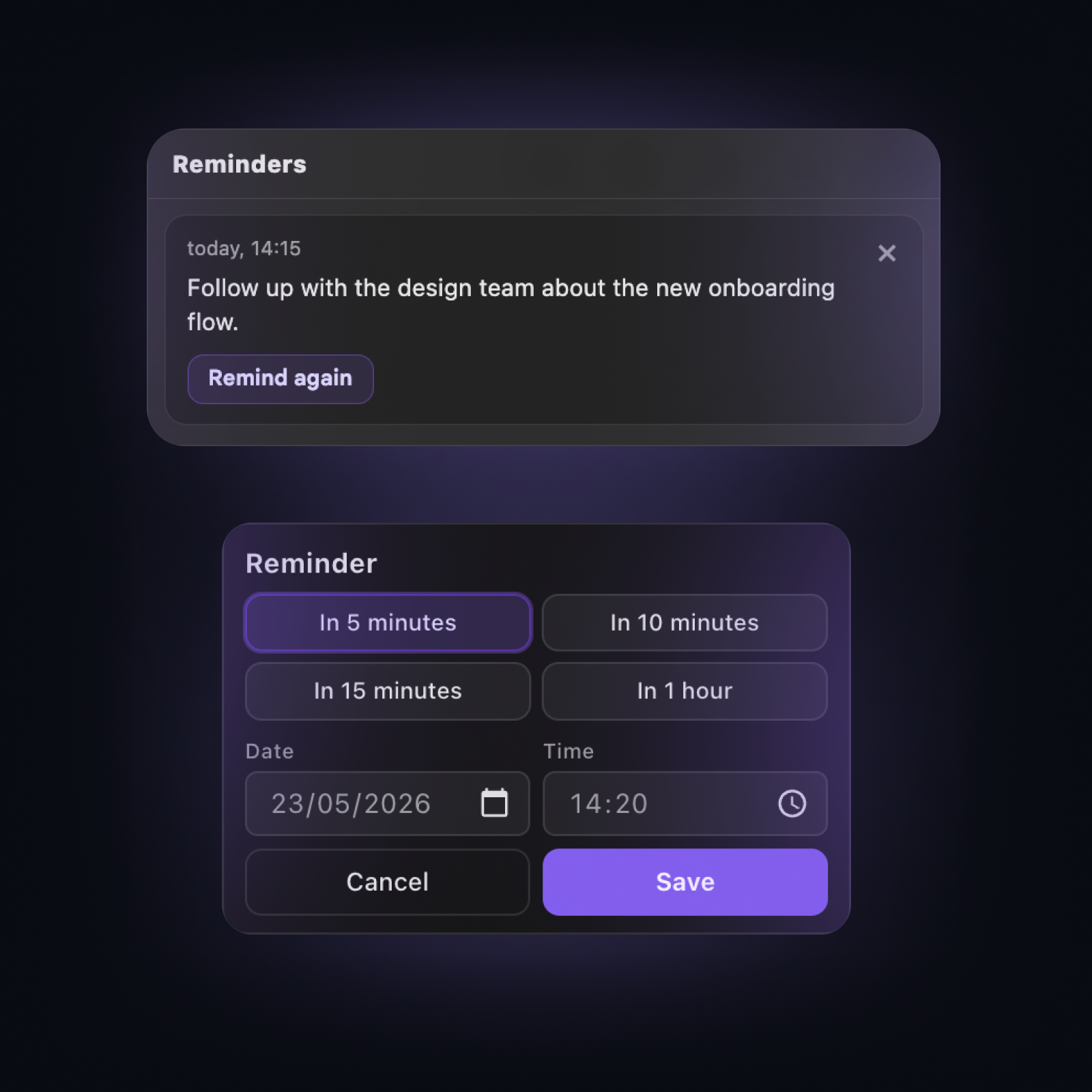
粵語All dictated text (including favorites and reminders), as well as settings, stays on your device. ClickMic contacts our servers only to verify trial and Pro status, download optional characters, and send bug reports you choose to send. Dictated text is not uploaded to Astrolabe Tools servers.
History is limited by storage size, not time. You can choose a local limit: 5, 10, 25, or 50 MB. When the limit is reached, ClickMic deletes the oldest entries not marked as favorites. Entries marked as favorites are protected and are not removed automatically.
If you have questions, feedback, or business inquiries, we would love to hear from you